How to Create a Digital Wedding Invitation
Your invitation can be live in under 5 minutes.
Create your account
Sign up with just your name, email, and a password — takes about 30 seconds. You can also start the wizard directly and create an account as part of the flow.
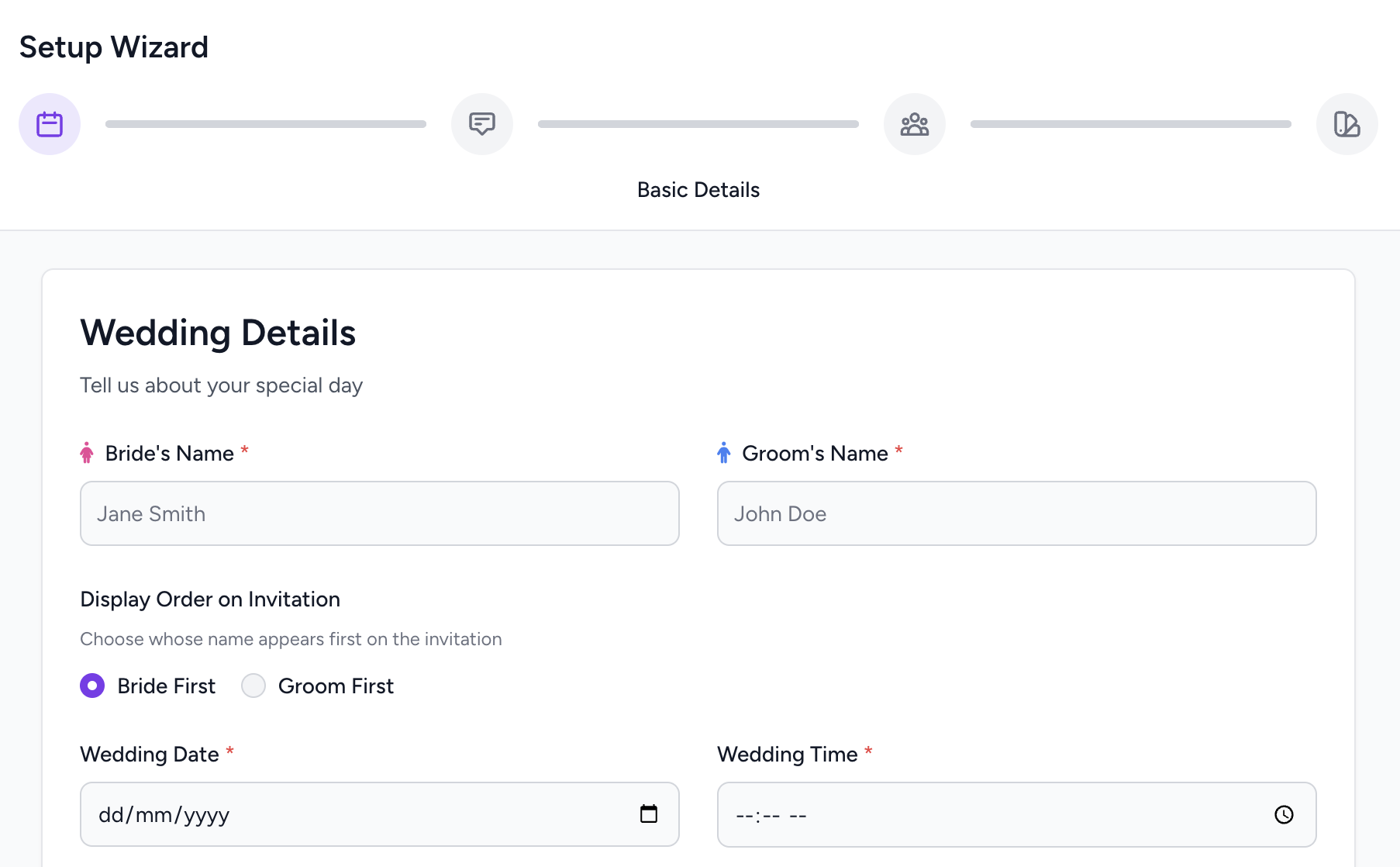
Start the wizard →Enter your wedding details
Tell us the couple's names, wedding date and time, and the venue. The wizard walks you through each field — it takes about 2 minutes. You can always edit everything later from your dashboard.
Pick a template
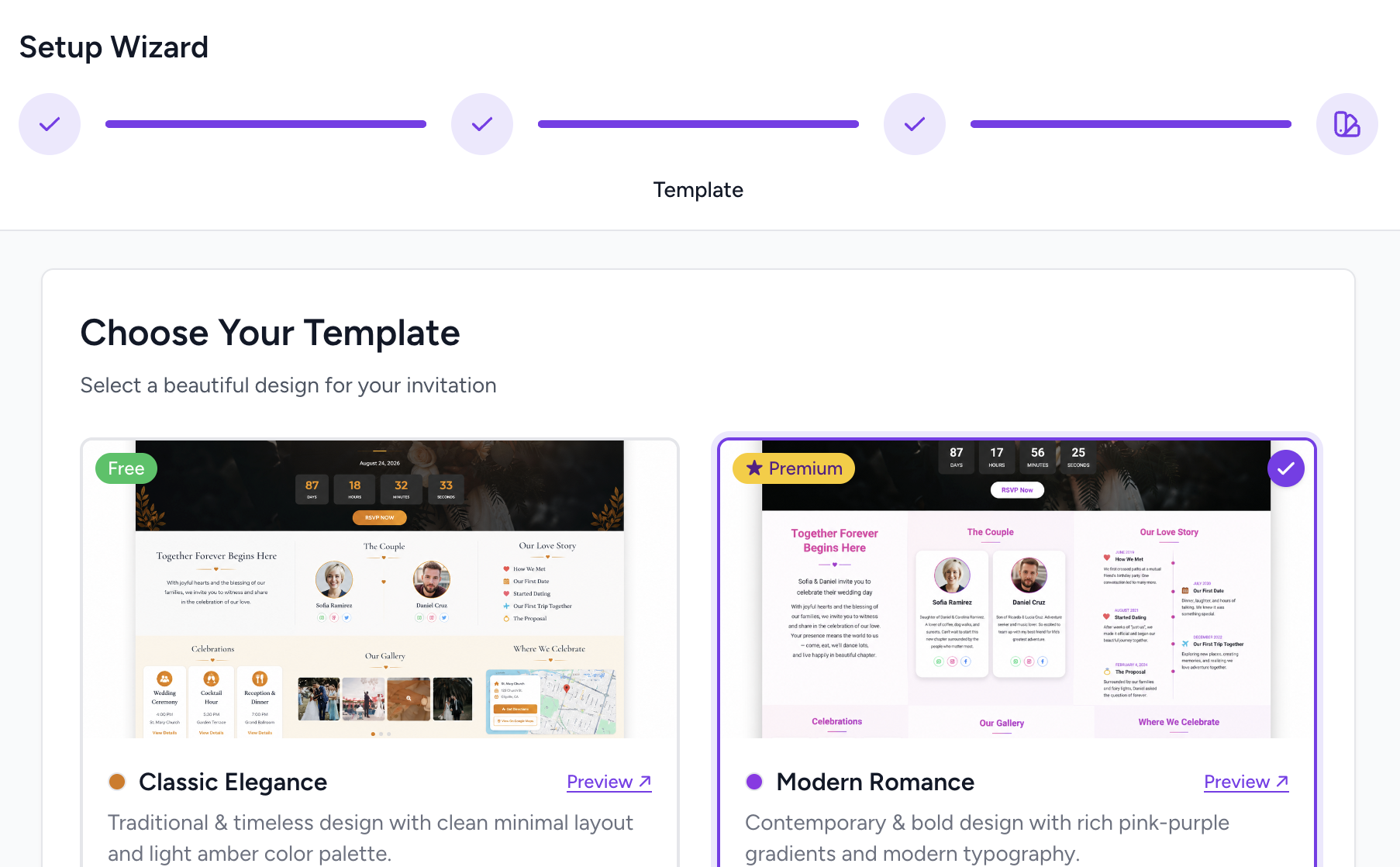
Choose from our collection of beautiful Indian wedding invitation designs. Every template is mobile-first and works perfectly on WhatsApp previews. Free templates are available immediately — premium designs are available with an upgrade.
Personalise your invitation
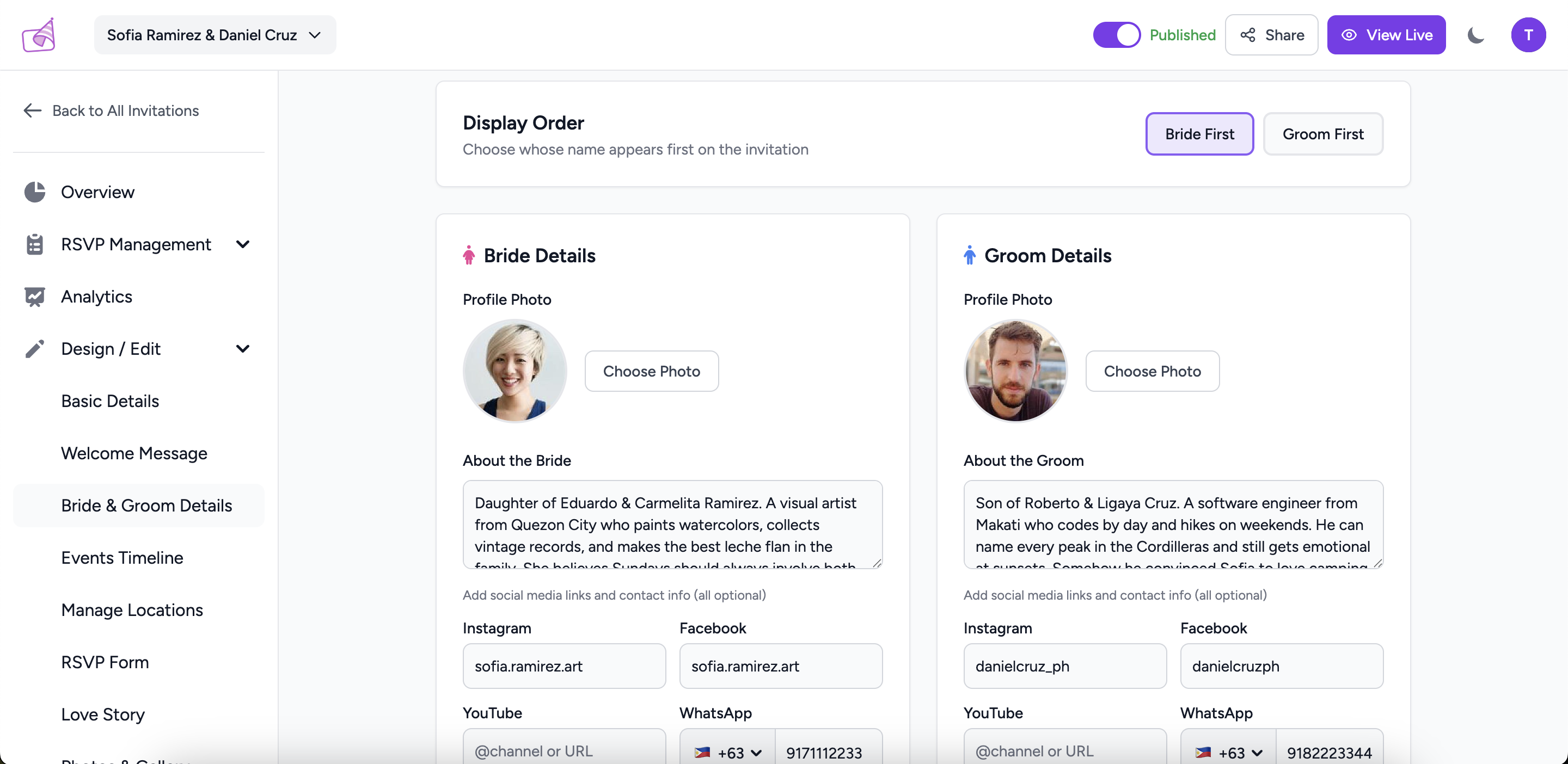
From your dashboard you can:
- Write a welcome message from the family
- Add bride & groom photos and bios
- List all events — mehendi, sangeet, wedding, reception
- Add venue locations with a map link
- Upload a photo gallery
- Write a love story section
Every section is optional — add only what you need.
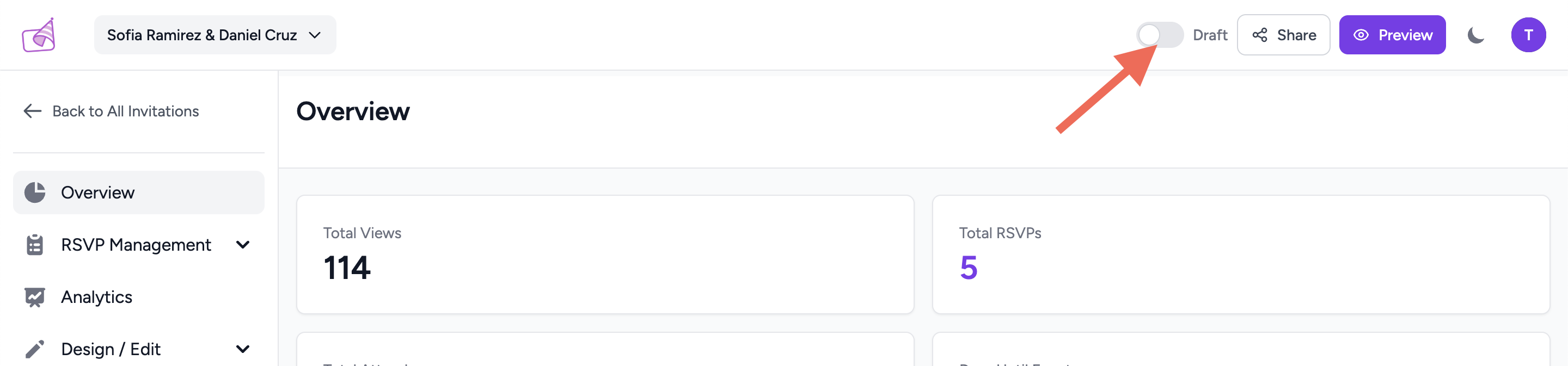
Preview, then publish
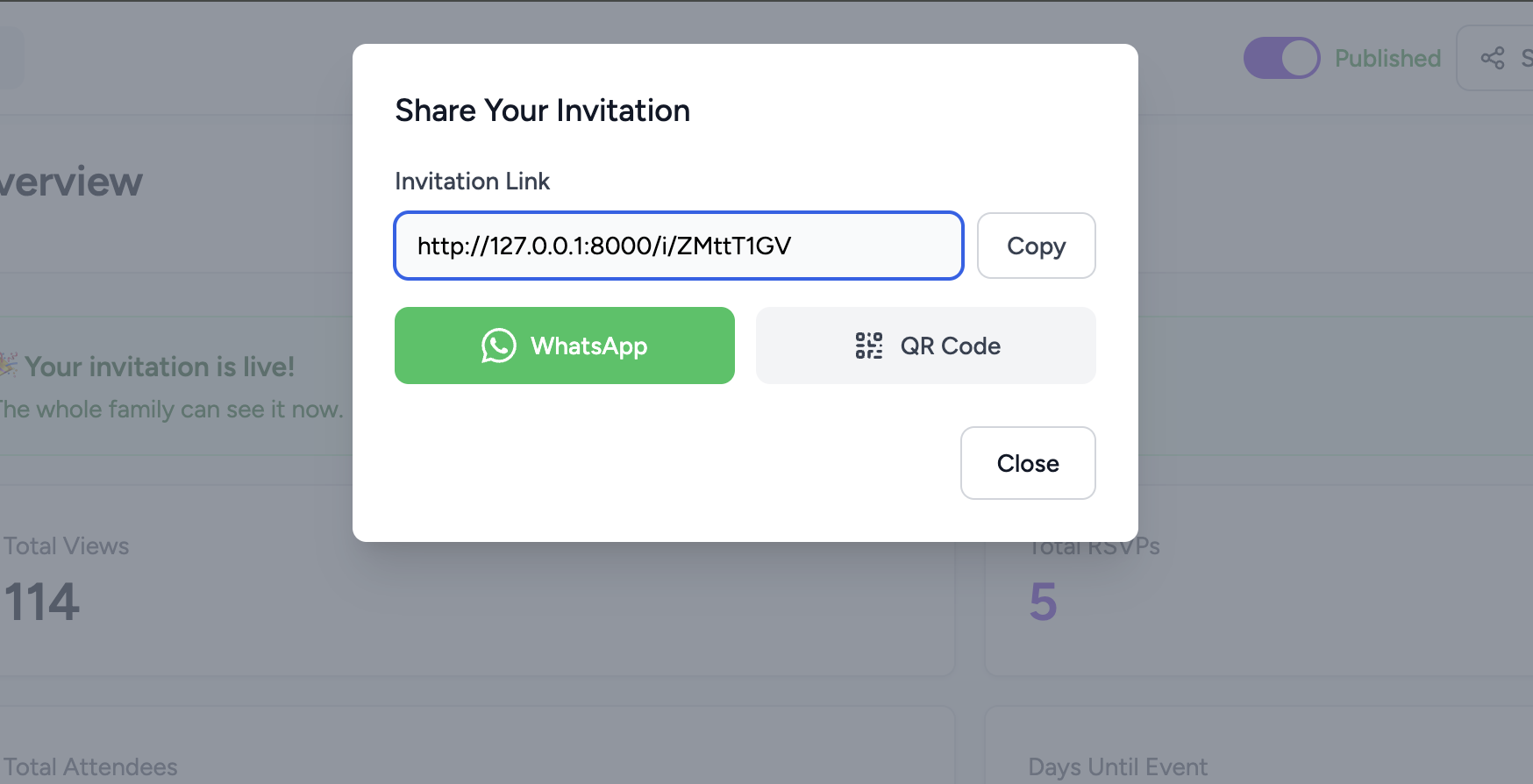
Hit "Preview" at any time to see exactly what your guests will see. When you're happy, click "Publish" — your invitation goes live instantly with a unique link like page2.party/i/aB3xK9pQ.
Share with your guests
Copy your invitation link and paste it into WhatsApp, Instagram, or email. You can also generate a QR code to print on your physical card so guests can scan it. See our full guide on sharing below.